
To get a huge ambient reverb without washing out your mix, put the reverb on a send, filter the signal going into it, add pre-delay so the dry sound stays clear, and duck the tail when the busy parts play. Big reverb turns muddy when the low end and the tail pile up on top of the main elements, so most of the fix is control, not less reverb.
Below is a step-by-step setup you can use in any DAW. Every number is a starting point, so tune by ear. The examples use Poly Space, an ambient reverb with two main controls, but the steps work with any reverb.
Step 1: Use a send, not an insert
Put the reverb on its own return track and send to it. The dry signal stays untouched, and you can process the reverb separately: filter it, duck it, automate it. On the reverb itself, set Dry/Wet to 100% wet. If you need to load it as an insert, keep Dry/Wet low at first and raise it until the space is audible, then back off a little.
Step 2: Filter before the reverb
Low frequencies in a long tail build up fast, especially when the full arrangement plays. Put an EQ before the reverb on the return and cut the lows. A high-pass somewhere around 150-300 Hz is a common range for pads and keys. Go higher for vocals and guitars, and lower if the part needs weight in the tail. If the tail still sounds boxy, check the 250-350 Hz area by boosting a narrow band to find the worst spot, then cut it.
Step 3: Set the pre-delay
Pre-delay is the gap between the dry sound and the start of the reverb. A short gap keeps the dry sound clear instead of smeared. For a lead vocal or melody, try 40-80 ms. For a pad that is meant to melt into the background, you can leave it near 0 ms. On long pre-delay times, sync to the tempo so the reverb does not blur the groove. At 120 BPM, a 1/32 note is about 62 ms.
Step 4: Shape the size
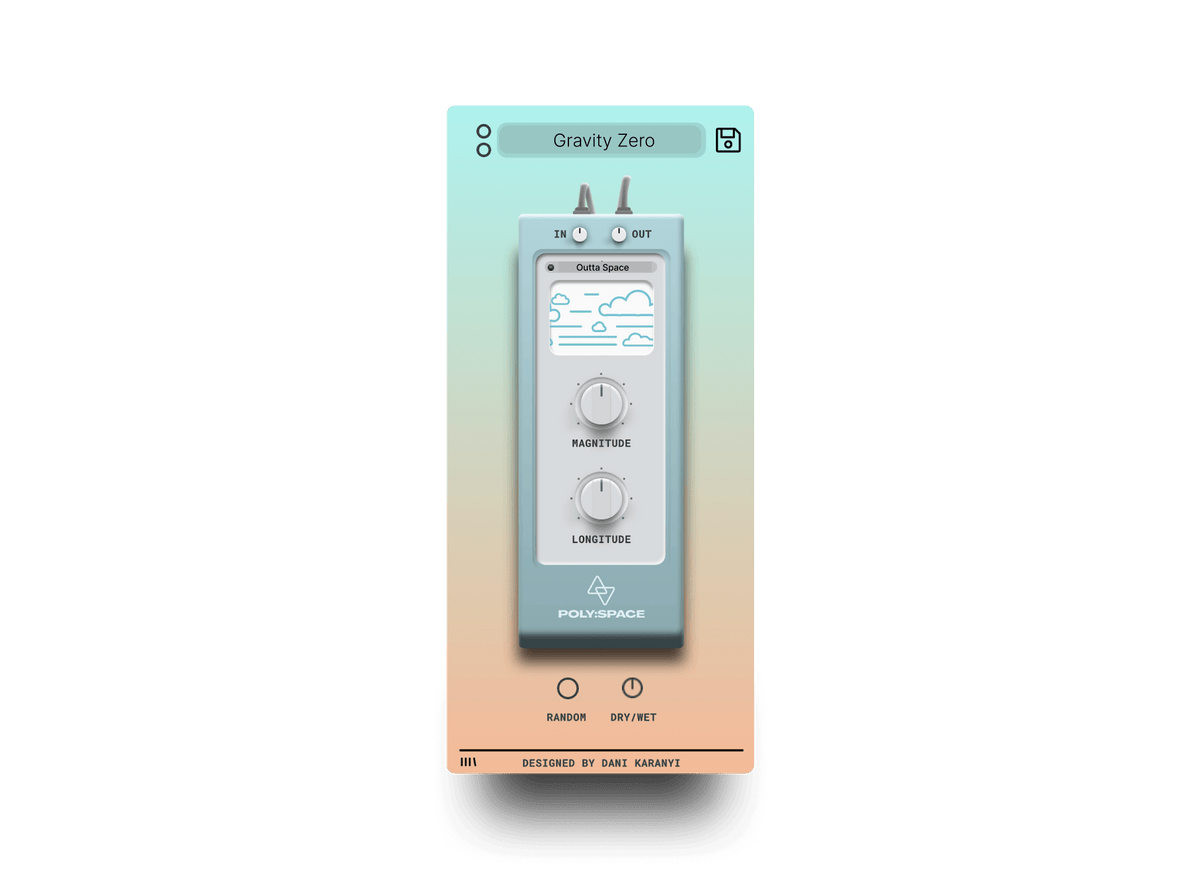
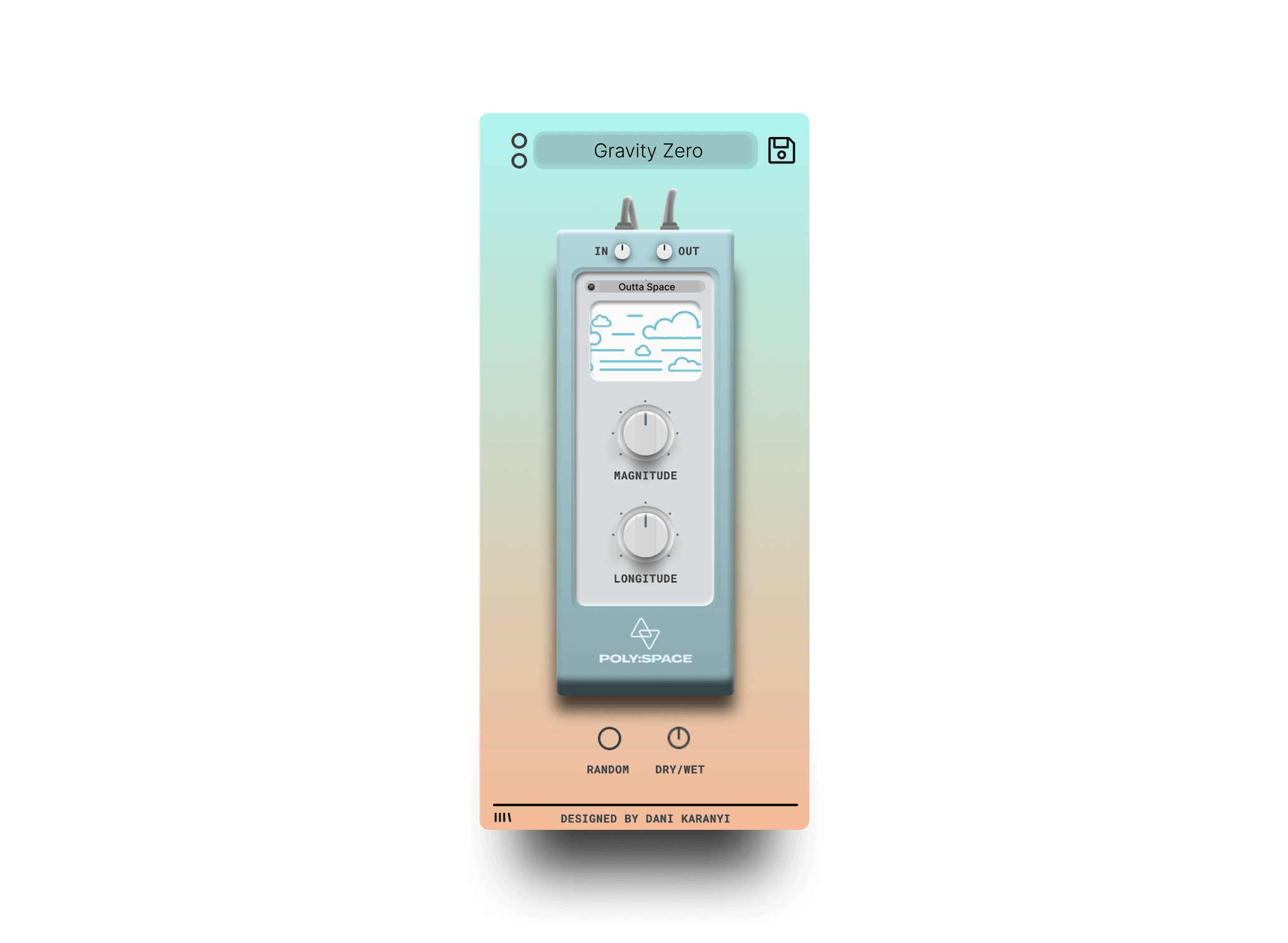
This is where Poly Space is quick to work with. Magnitude takes the reverb from gentle to epic. Longitude smooths the sound and makes it longer. Start with both at moderate settings, play the loop and raise Longitude until the tail starts to overlap the next note or chord, then pull it back. For a slow, sustained part at 70 BPM, a longer tail works. For a busy part at 120+ BPM, a shorter one keeps the mix readable. The Smart Random button is a fast way to find a space you would not have dialed in by hand: hit it a few times, keep the one that fits and adjust from there.
Step 5: Duck the tail
A reverb that sounds right in the gaps often drowns the track when everything plays. Put a compressor after the reverb on the return and sidechain it from the dry source, such as the lead vocal or the main synth. When the source plays, the reverb drops by a few dB. In the gaps, the tail swells back. Use a fast attack, a release of 100-300 ms and 2-4 dB of gain reduction to start. If you can hear the ducking pumping, ease off.
Step 6: Check in context
- Mute the reverb return. The mix should still work on its own, just drier.
- Unmute it. The track should feel bigger, not softer. If the drums lost their snap, shorten the tail or lower the send.
- Check in mono. A very wide reverb can disappear or thin out on a phone speaker.
- Listen at a low volume. If the reverb is still audible, it is probably enough.
Common mistakes
- One reverb on everything. Use a small, short one for drums and a big one for pads and leads.
- No filter on the return. The low end builds up first and makes the mix muddy.
- Tail longer than the song's tempo allows. If the tail runs into the next chord, shorten it or duck it.
- Judging the reverb solo. It always sounds good alone. Judge it with the full mix playing.
Where to go next
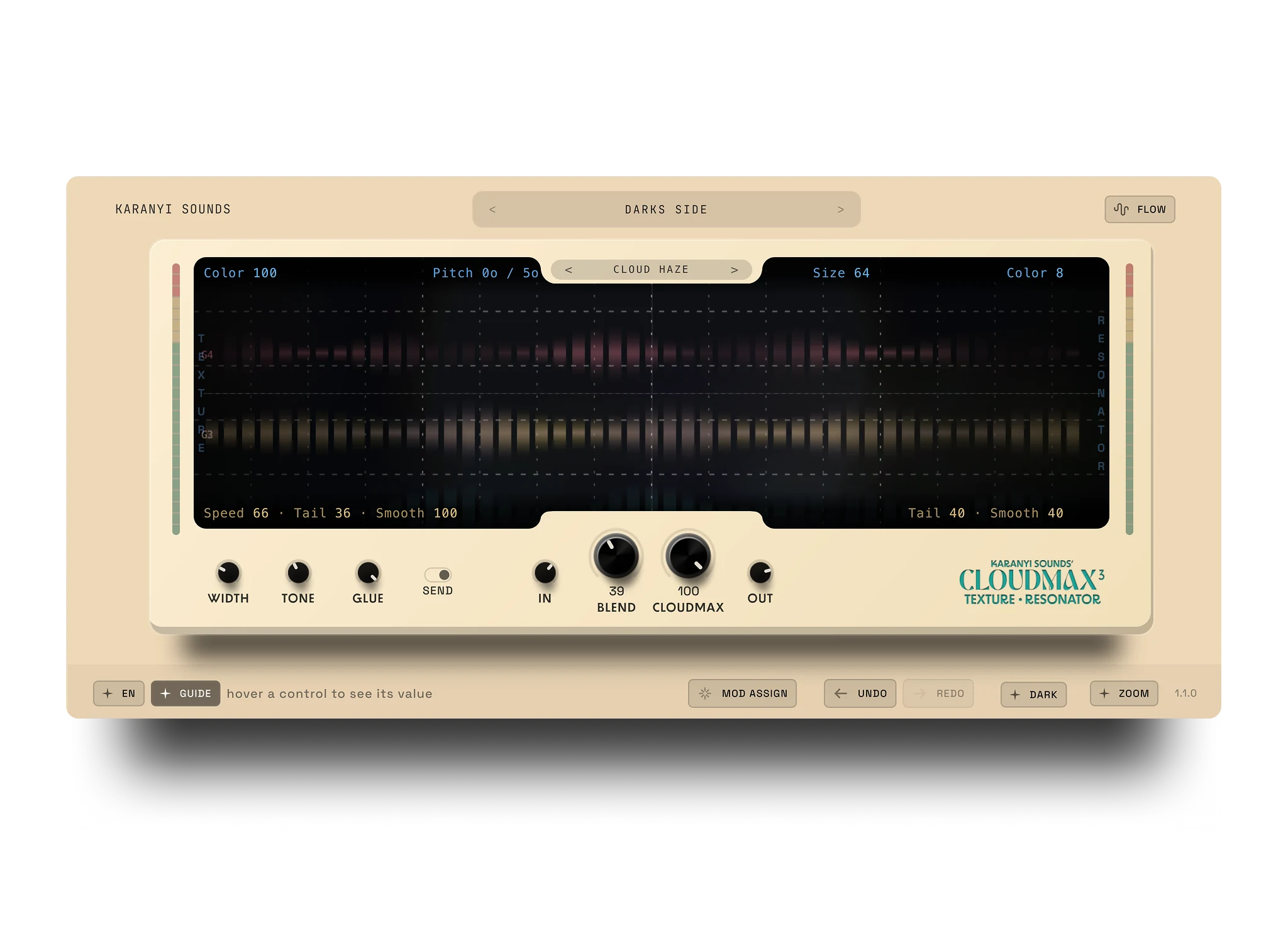
If you are comparing ambient reverbs, see Best Valhalla Alternatives for Ambient Reverb in 2026. For a texture-heavy approach, Cloudmax 3 is a granular delay and reverb that suits the same kind of sound.
FAQ
How do I stop reverb from making my mix muddy?
Use the reverb on a send, high-pass the signal going into it, and duck the tail with a sidechain compressor. These three steps remove most of the mud without making the reverb smaller.
What pre-delay should I use for ambient reverb?
For leads and vocals, start at 40-80 ms. For pads that should sit in the background, 0-20 ms is fine. Sync longer pre-delays to the tempo.
Should I put reverb on a send or an insert?
Use a send in most cases. You keep the dry signal clean and can filter, duck and automate the reverb on its own track. Use an insert only for sound design, where the whole signal should be washed out.
Where should I cut the low end of a reverb?
Start with a high-pass around 150-300 Hz before the reverb, then adjust by ear. Go higher on vocals and guitars, lower on parts that need weight.
What does Poly Space do?
Poly Space is an ambient reverb with two main controls, Magnitude and Longitude, a Smart Random button, 50+ algorithms and 30+ factory and artist presets. It works with major DAWs. Pro Tools and Maschine are not supported.
Ready to try it? Poly Space is $49.


Leave a comment
This site is protected by hCaptcha and the hCaptcha Privacy Policy and Terms of Service apply.