

Short answer: an AI or neural vocal plugin uses a model trained on large libraries of real singing and speech to predict a cleaner, more finished version of your voice in one pass, instead of stacking separate pitch, noise and EQ tools by hand. That is genuinely useful, but it is prediction based on patterns in training data, not an understanding of your song, so it works best on normal, reasonably in-tune, cleanly recorded vocals and gets less predictable the further you push it from that.
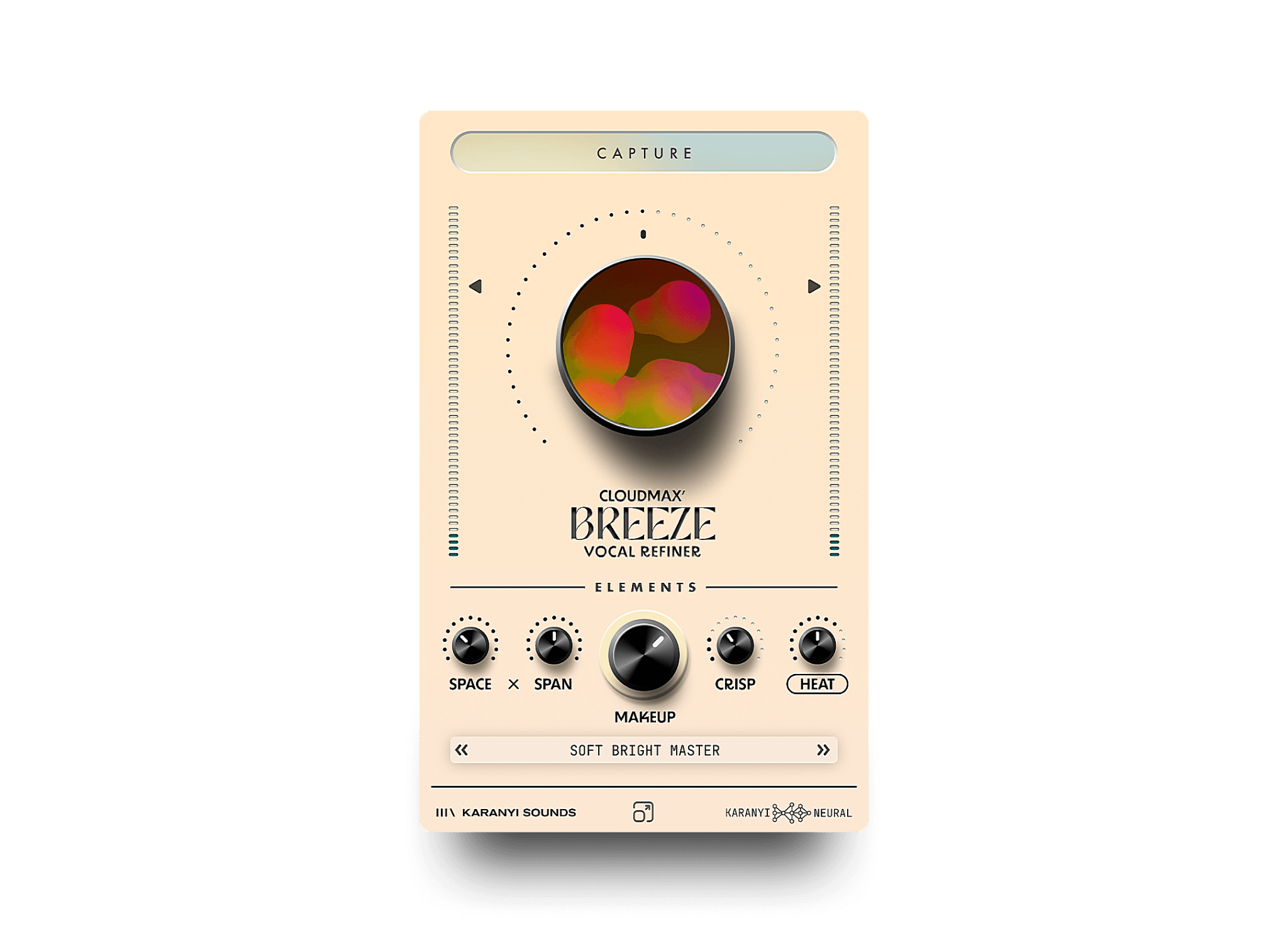
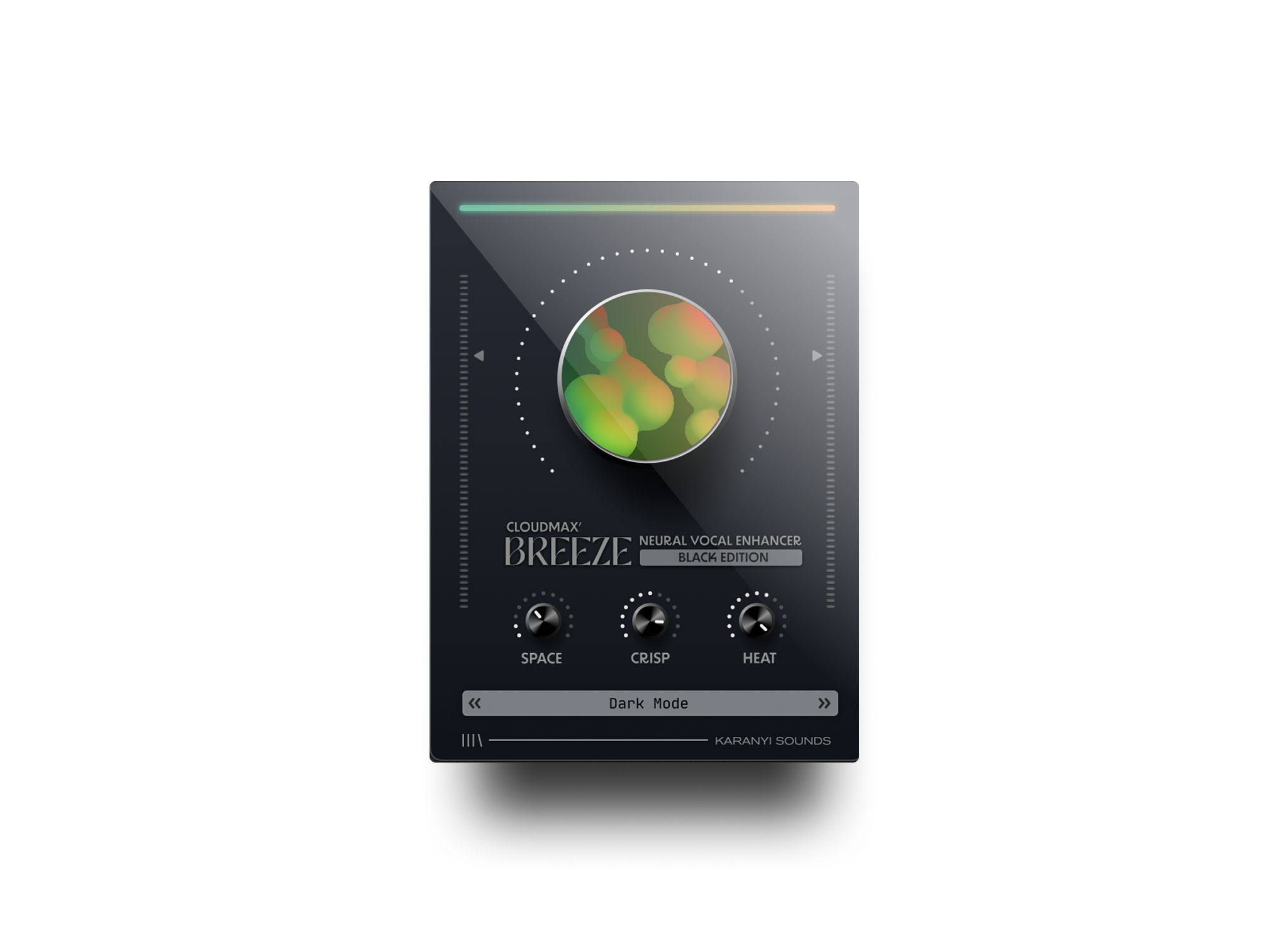
Cloudmax Breeze is one example of the category: it uses neural technology to combine four effects into a single knob, moving from a light polish to a more creative vocal design. The questions below cover what that kind of processing actually changes in a voice, and where a human still needs to step in.
What does "neural" or "AI" actually mean in a vocal plugin?
It means the plugin runs a machine learning model trained on large amounts of recorded singing and speech, instead of a fixed set of DSP formulas for EQ, compression or pitch shifting. The model learns patterns of what a clean, in-tune vocal tends to sound like, then predicts how to nudge your specific recording toward that pattern. It is pattern matching at scale, not a set of rules a person wrote by hand.
Can AI pitch correction avoid the classic "chipmunk" effect?
Yes, largely. Older pitch shifters move the whole waveform, dragging the formants (the resonances that make a voice sound like a given singer) along with the pitch, which causes that thin, squeaky sound on bigger shifts. Neural models are trained to separate pitch from formant and timbre, so a note can move while the voice still sounds like the same person. Push it far past a natural range and artifacts still show up, just later.
Can it clean up background noise, hiss or room sound?
Yes, this is one of the stronger uses of the technology. Instead of a simple noise gate or filter, the model learns what "voice" sounds like versus "noise," then reconstructs the voice separately from the hum, hiss or room tone around it. It works best when the voice is clearly the loudest thing in the recording. On very noisy or heavily overlapped audio, it can leave a smeared, watery artifact instead of clean silence.
Can AI fix a performance that was rushed, dragging or out of time?
Only up to a point. Timing correction can nudge notes and phrases onto a grid or line them up with a reference, which fixes small drift and sloppy entrances. It cannot invent phrasing, breath or emotional timing the singer never performed, and heavy correction on a genuinely uneven take tends to sound mechanical rather than tight. If the performance itself needs work, a new take is still a better fix than more processing.
Can it change the character of a voice, not just clean it up?
Yes. This is what the more creative settings on a plugin like Cloudmax Breeze are for: reshaping tone, warmth, brightness or grit, rather than only correcting mistakes. The model can push a voice toward a different color the same way it pushes it toward "clean," because both are just target patterns learned from training data. The further that target sits from the original voice, the more natural realism you trade for the new sound, a deliberate creative choice, not a flaw.
What can it not do?
It cannot understand your lyrics or your song's intent, and it cannot turn a fundamentally weak take into a great one. Because it is trained on patterns of real voices, it behaves less predictably on unusual voices, extreme ranges, or heavily processed audio outside what it has seen. Pushed hard in those situations, it can introduce robotic tone, smeared consonants or odd resonances instead of the polish you wanted.
Do these plugins need an internet connection to work?
It depends on the plugin. Some run the trained model entirely inside the DAW plugin, processing locally with no connection needed once installed. Others send audio to a server for heavier processing and stream the result back, trading some added latency for a larger model. If you record or mix away from a reliable connection, check which approach a given plugin uses first.
Does AI vocal processing replace a full vocal mixing chain?
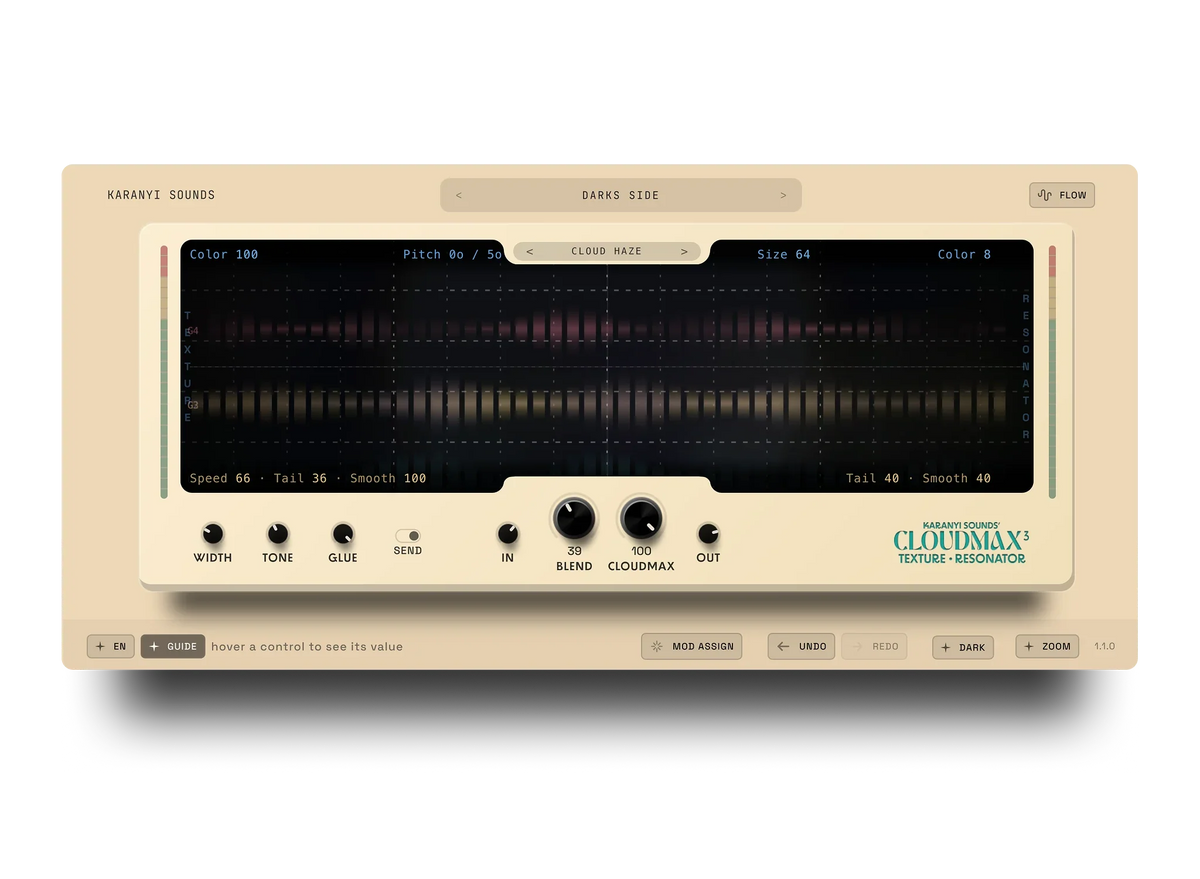
No. It replaces some of the manual cleanup work, but a released vocal still needs level automation, compression to sit in the mix, and reverb or delay for space (a granular tool like Cloudmax 3 covers that side). If a vocal still feels stuck or buried after cleanup, the fix is usually further along the chain; see our piece on 3 common reasons your mix still feels flat for the usual culprits.
Is one-knob AI processing enough for a release-ready vocal?
For a quick polish or a demo, often yes. For a single or an album vocal, treat it as a strong starting point rather than the finish line: run the neural pass first for pitch, noise and basic tone, then finish with the EQ, compression and space decisions specific to your song. Cloudmax Breeze is built around that workflow, one knob for the neural pass, then your usual chain on top.
If you want to hear what a one-knob neural pass actually changes on your own vocal, try Cloudmax Breeze on a rough take and compare it before and after. It will not replace your ears, but it removes a lot of the manual cleanup before they need to get involved.



Leave a comment
This site is protected by hCaptcha and the hCaptcha Privacy Policy and Terms of Service apply.