
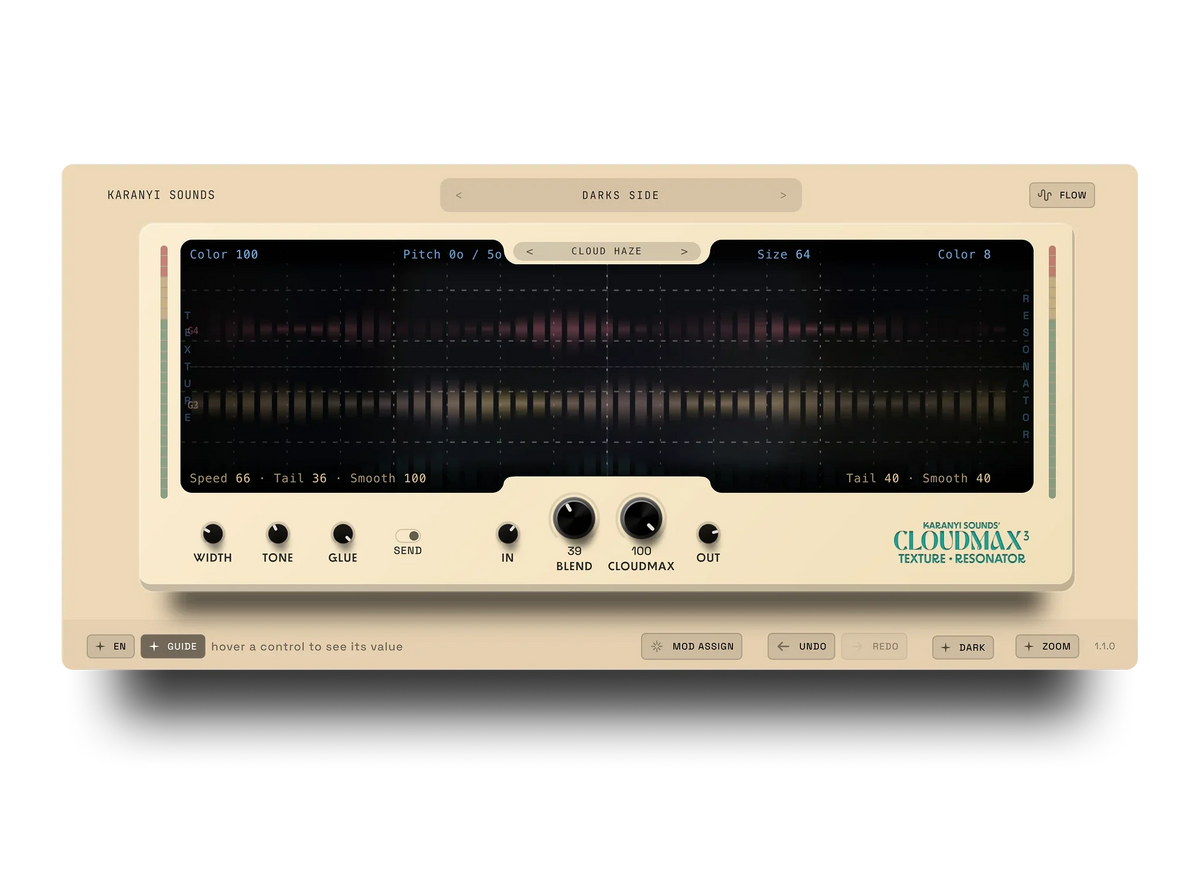
To use granular delay on vocals without losing clarity, put it on a send, filter the low and high ends of the wet signal, and duck it under the dry vocal so the grains only bloom in the gaps between phrases. Keep the dry vocal untouched and let the granular layer carry the texture.
Granular effects chop audio into tiny grains and rearrange them. On a vocal, that can turn a plain line into a shimmering cloud, or turn the lyrics into mush. The difference is almost always routing and level, not the plugin. This guide uses Cloudmax 3 as the example, but the steps work with any granular delay.
Why granular delay muddies vocals
A vocal carries its meaning in consonants and mid-range detail. A granular delay repeats and smears that detail, so three things go wrong fast:
- Grains of the wet signal land on top of the next word, so the lyric gets harder to follow.
- Low-end grains pile up and cloud the mix under the vocal.
- Bright, sibilant grains get repeated and sound harsh.
Every step below fixes one of these.
Step 1: Use a send, not an insert
- Create an aux or return track and put the granular delay on it, set to 100% wet.
- Send the lead vocal to it. Start with the send level low, around -18 dB, and raise it until you just notice the texture.
- Leave the dry vocal where it was. This keeps the lyric intact no matter how wild the effect gets.
If you want the background of the chorus to feel wider, a second send with a longer, smoother setting works well. Keep one send for rhythmic grains and one for pad-like wash.
Step 2: Filter the wet signal
Put an EQ after the granular delay on the return.
- High-pass at 250-400 Hz. The low end of the wet signal adds mud and no clarity.
- Low-pass at 8-10 kHz, or tame the 5-8 kHz area if the grains sound sharp. Repeated sibilance is not a texture anyone wants.
Step 3: Duck the effect under the vocal
Insert a compressor on the return and sidechain it from the dry lead vocal. Use a fast attack, a release of roughly 150-300 ms, and 3-6 dB of gain reduction while the singer is active. The grains stay quiet during words and swell in the gaps, which is exactly where you want the space to feel full.
No sidechain available? Automate the send level instead: lower on words, higher on the last syllable of each phrase.
Step 4: Start from a vocal preset
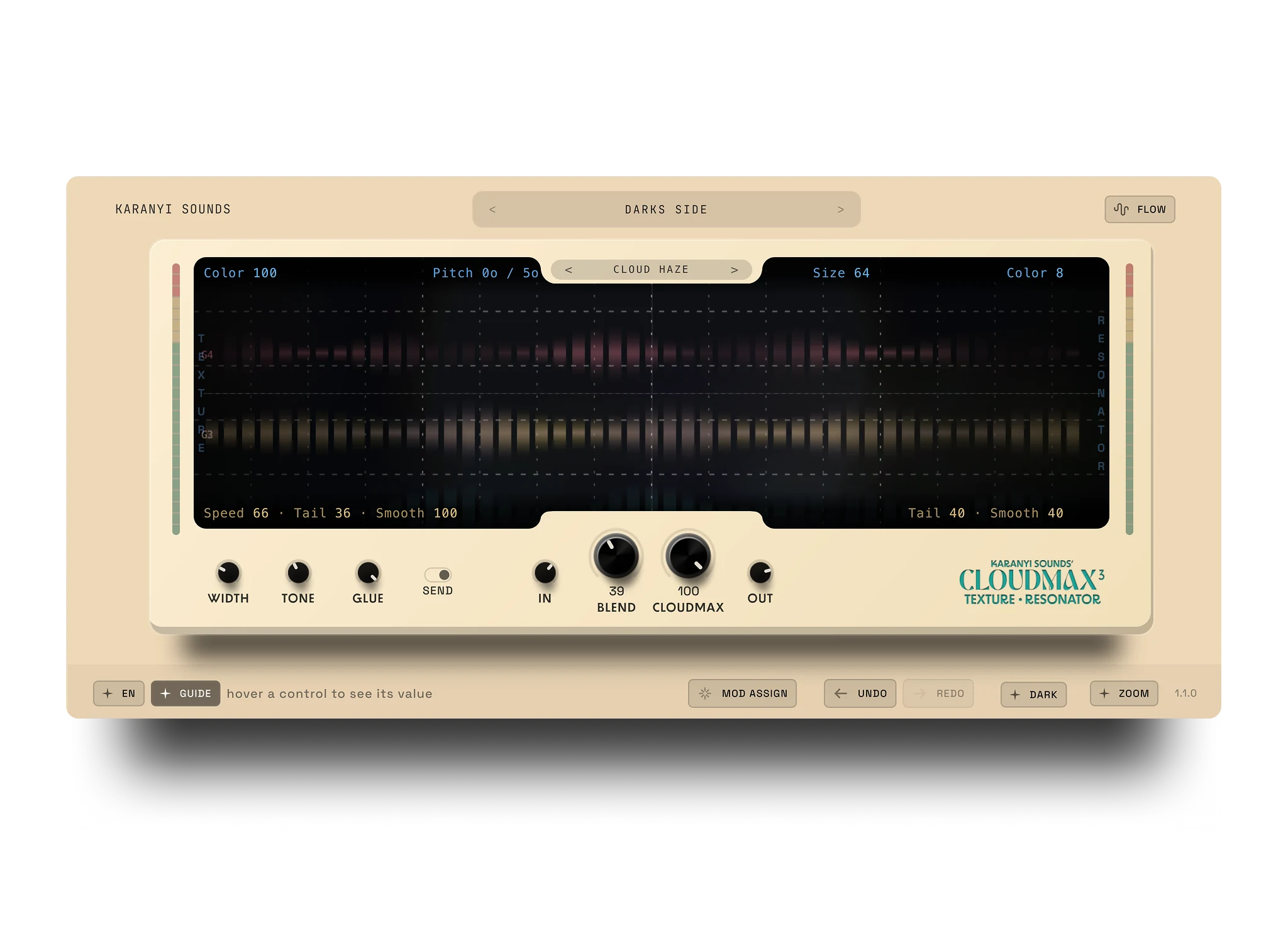
Cloudmax 3 runs four parallel grain engines for shimmer, stretch and smear. The preset library includes vocal presets, and the browser filters presets by tag combinations, so you can load a vocal preset and then apply the routing from steps 1-3. Judge each preset the same way: with the dry vocal playing, can you still follow every word? If not, lower the send before you touch anything else.
There is also a 7-day trial with full functionality and no credit card, so you can test the setup on your own session first.
Step 5: Match the effect to the song section
- Verse: almost none. A barely audible send keeps the vocal close.
- Pre-chorus: raise the send gradually so the tension builds.
- Chorus or outro: let the granular layer open up, with the ducking still on.
- Breakdowns: this is where you can go bold, with the wet signal fully exposed.
Common mistakes
- Running it as an insert at 100% wet. You lose the original vocal. Use a send.
- No filtering. Unfiltered low and high grains are the number 1 cause of a muddy, harsh vocal.
- Set and forget. A static send level sounds fine on a loop and cluttered in the full song. Automate it per section.
- Checking only in solo. Judge the effect with the full mix playing, then check in mono for a few seconds.
Where to go next
For a bigger picture of ambient reverb and granular options, see our guide to Valhalla alternatives for ambient reverb. If you are unsure whether you need a delay or a reverb in the first place, read Granular Delay vs Reverb. For the rest of the vocal chain, see 7 Vocal Mixing Tips for Home Producers. Building a wider effects rack? Have a look at the Complete FX Suite.
FAQ
Should granular delay go on a send or directly on the vocal?
On a send. A send keeps the dry vocal intact and lets you filter and duck only the effect. An insert at 100% wet replaces the vocal with the effect.
How much granular delay is too much on a lead vocal?
If you cannot follow the lyrics with the full mix playing, it is too much. A good starting point is a send around -18 dB, raised only until the texture is noticeable.
Do I need to filter the granular effect?
Yes. A high-pass around 250-400 Hz removes low-end build-up, and a gentle low-pass or cut in the 5-8 kHz area keeps repeated sibilance under control.
Can I try Cloudmax 3 before buying?
Yes. Cloudmax 3 comes with a 7-day trial with full functionality and no credit card required.
Try it on your own vocal
If you want a granular layer you can set up in minutes, Cloudmax 3 is $59, and the 7-day trial lets you test the routing above on your own session first.




Leave a comment
This site is protected by hCaptcha and the hCaptcha Privacy Policy and Terms of Service apply.