

Professional-sounding vocals from a home setup come down to signal chain and habits, not another plugin purchase. Get a clean, well-leveled take, treat the lead and backing vocals differently, and know when to stop processing, and these 7 vocal mixing tips fix most of what makes home vocals sound thin, harsh, or buried in the mix.
1. Get your gain staging right before you touch a plugin
Aim for vocal peaks between -18 dBFS and -12 dBFS on your DAW's meter while tracking. That range keeps most audio interface preamps in their cleanest operating zone and leaves headroom for a singer who gets louder on the chorus. A take that already clips or sits near 0 dBFS gives every plugin downstream a worse starting point, no matter how good the plugin is.
2. Treat the lead vocal and backing vocals as different jobs
The lead vocal needs to sit forward and stay intelligible through the whole song. Backing vocals and harmonies need to support without competing for the same frequency space. Route them to separate busses, EQ the backing vocals to carve out room for the lead (a gentle cut around 2-4 kHz where lead vocal presence usually lives works well), and keep the backing vocal fader a few dB under where it feels "right" when soloed.
3. Build a parallel vocal bus for punch without squashing the take
Send the vocal to a second bus, compress that bus hard (fast attack, fast release, several dB of gain reduction), and blend it under the main, lightly compressed vocal instead of crushing the main take itself. You get the density and presence of heavy compression while the original dynamics and breath detail stay intact.
4. Automate the processing between verse and chorus
A static plugin chain treats a whispered verse and a belted chorus the same way, which is rarely what the song needs. Automate small moves instead: slightly more compression and saturation going into the chorus, a touch more reverb send on a bridge, less processing on an intimate verse. These moves do not need to be dramatic to make the vocal feel like it is following the arrangement.
5. High-pass filter before the reverb and delay, not after
Put a high-pass filter on the reverb and delay sends themselves (roughly 200-400 Hz, adjust by ear), not just on the dry vocal. Low frequencies build up fast in reverb tails and delay repeats, and they are what makes a vocal mix sound muddy in a way that is hard to diagnose. Filtering the wet signal keeps the space and depth without the mud.
6. Check the mix in mono before you trust it
A vocal that sounds wide and pretty in stereo can partially cancel or thin out in mono, which is how most people still hear music on phone speakers and in some streaming contexts. Flip to mono periodically while mixing. If the vocal loses body or clarity, the problem is usually too much wide reverb or a doubled part that is out of phase with itself.
7. Know when less processing is the right amount
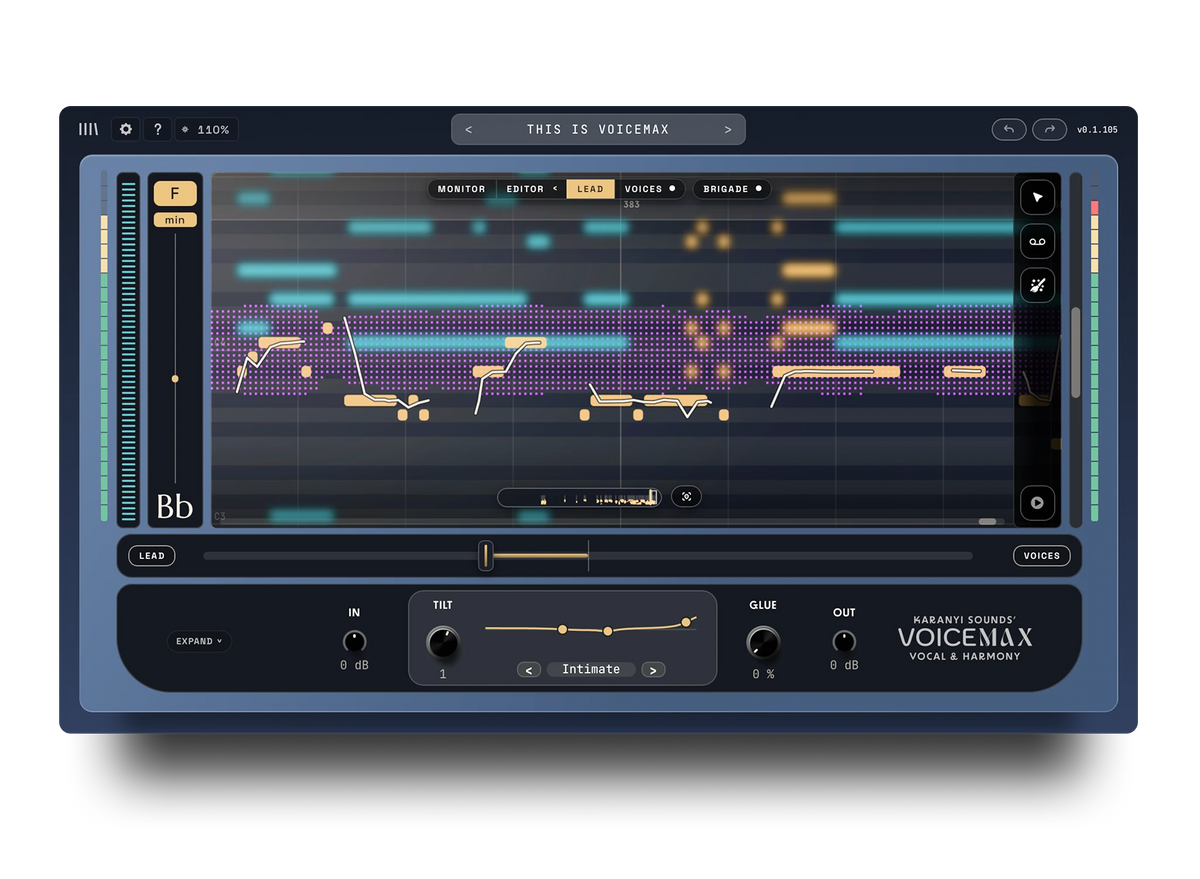
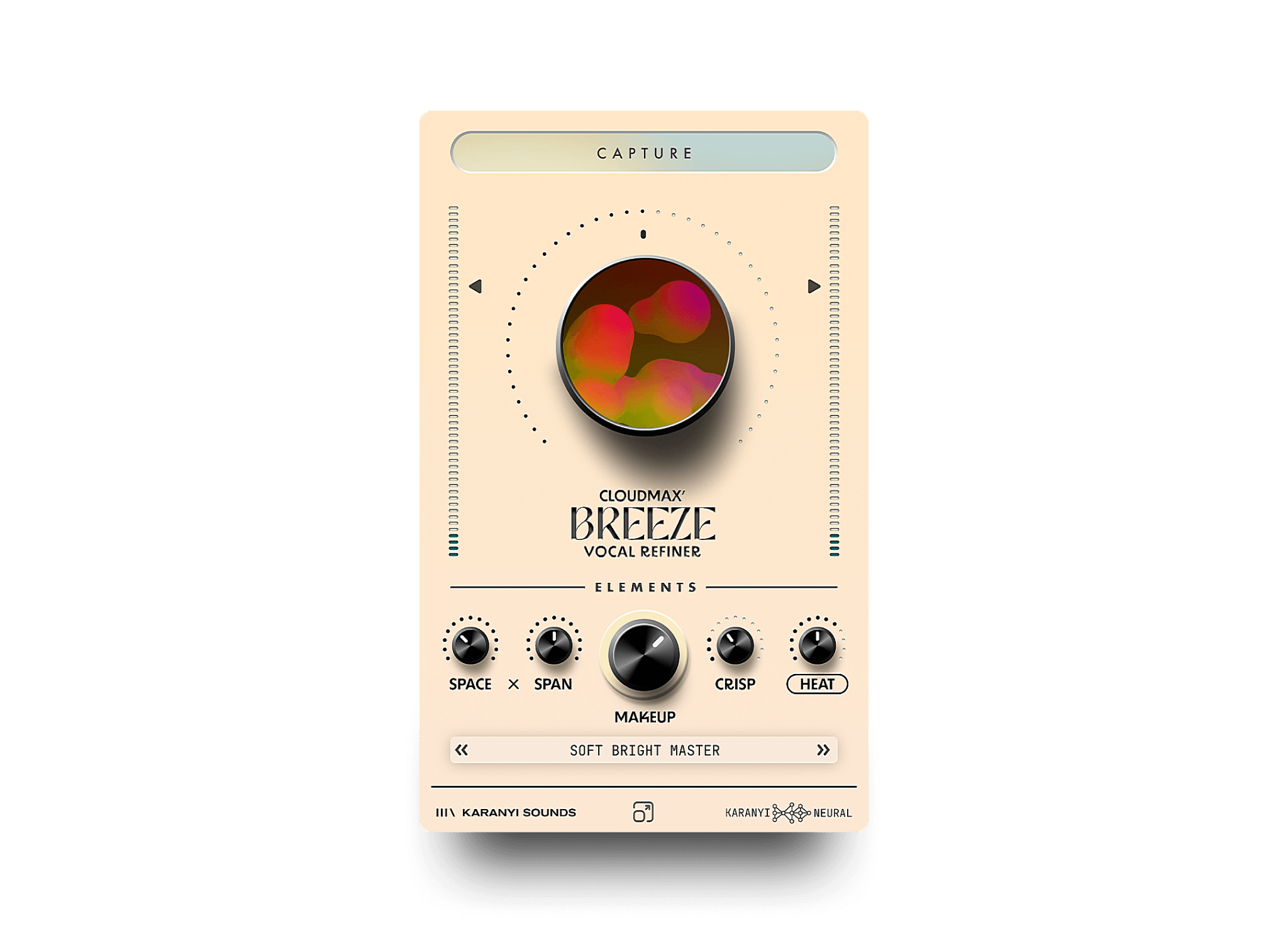
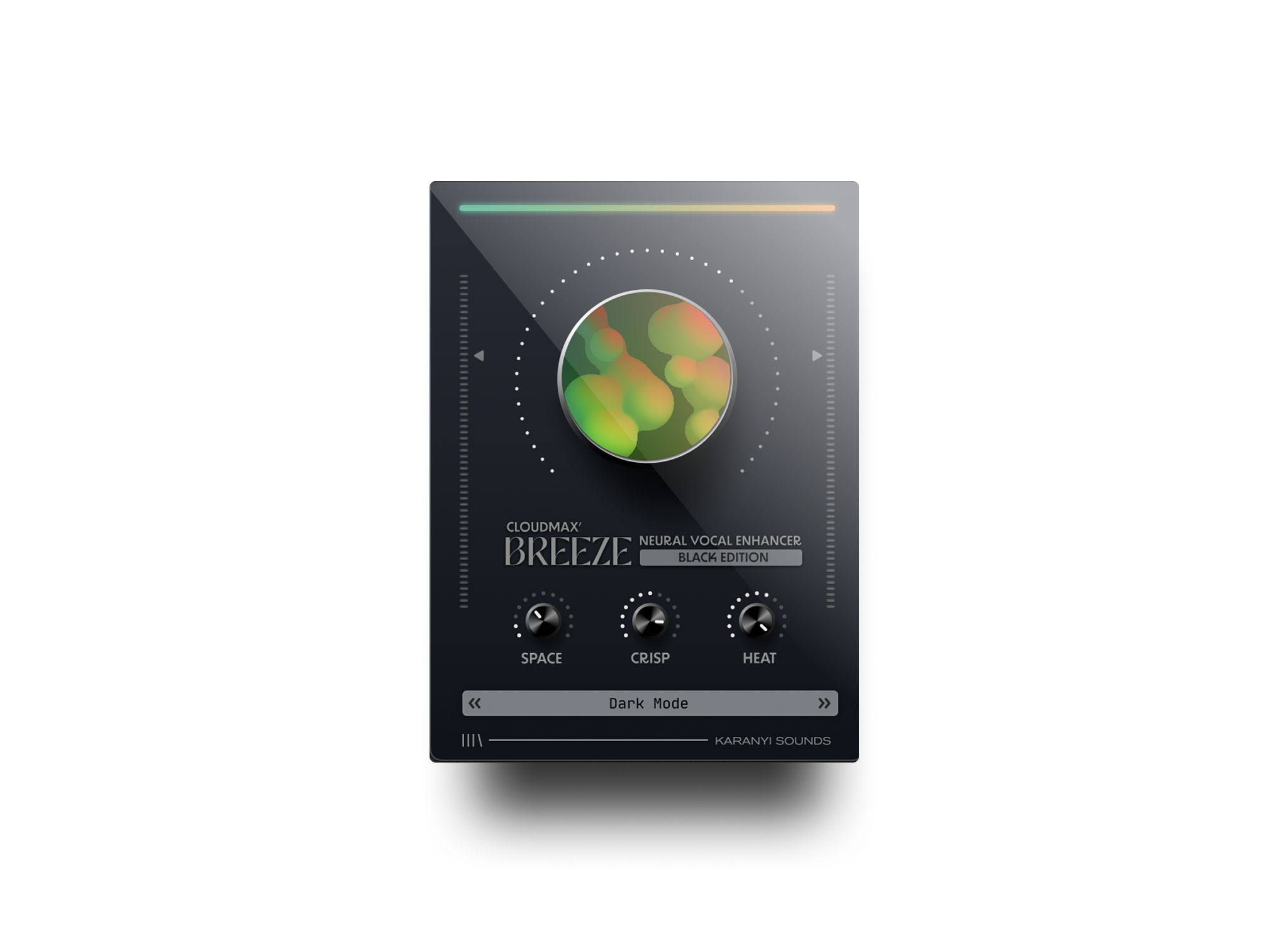
Every tip above assumes the vocal needs work, and often it needs less than you think. A well-recorded take in a treated space can sound finished with light compression and a touch of reverb. This is also where a single, well-designed tool earns its place: Cloudmax Breeze is a neural vocal processing plugin built around one-knob refinement, moving from subtle polish to more creative vocal shaping without you assembling and gain-staging a five-plugin chain by hand. For more on what neural vocal processing actually changes (and does not change) about a voice, see our breakdown of AI vocal plugins.
Common mistakes that keep home vocals sounding amateur
- Recording too hot and clipping the interface, then trying to fix it with plugins after the fact.
- Compressing the lead vocal so hard it loses all dynamic movement between verse and chorus.
- Adding reverb and delay before checking whether the dry vocal actually sits in the mix.
- Never checking the mix in mono, then wondering why it falls apart on a phone speaker.
- Copying a processing chain from a tutorial instead of listening to what this specific take actually needs.
FAQ
What is the ideal vocal recording level before mixing?
Aim for peaks between -18 dBFS and -12 dBFS while tracking. This keeps most preamps in their cleanest range and leaves headroom for louder sections, so the take gives your plugins a clean starting point instead of one that is already distorted or too quiet to process well.
Do I need expensive plugins to get a professional vocal sound?
No. Gain staging, EQ, compression, and knowing when to stop matter more than plugin price. A focused, well-designed tool that handles the core moves in one place, rather than a large stacked chain, is often enough once the recording itself is clean.
Should I automate vocal processing between verse and chorus?
Yes, in small amounts. A vocal that gets slightly more compression, saturation, or reverb going into a chorus feels like it is following the song's energy, while a static chain across the whole track can make quiet and loud sections feel equally flat or equally intense.
Why do my vocals sound good solo but get buried in the mix?
Vocals almost always need different EQ and level decisions in context than they do alone. Mix with the full arrangement playing, not soloed, and carve space for the vocal by cutting competing frequencies in other instruments rather than only boosting the vocal.
If your recordings are already clean and you want a faster way to go from subtle polish to creative vocal shaping, take a look at Cloudmax Breeze.




Leave a comment
This site is protected by hCaptcha and the hCaptcha Privacy Policy and Terms of Service apply.