
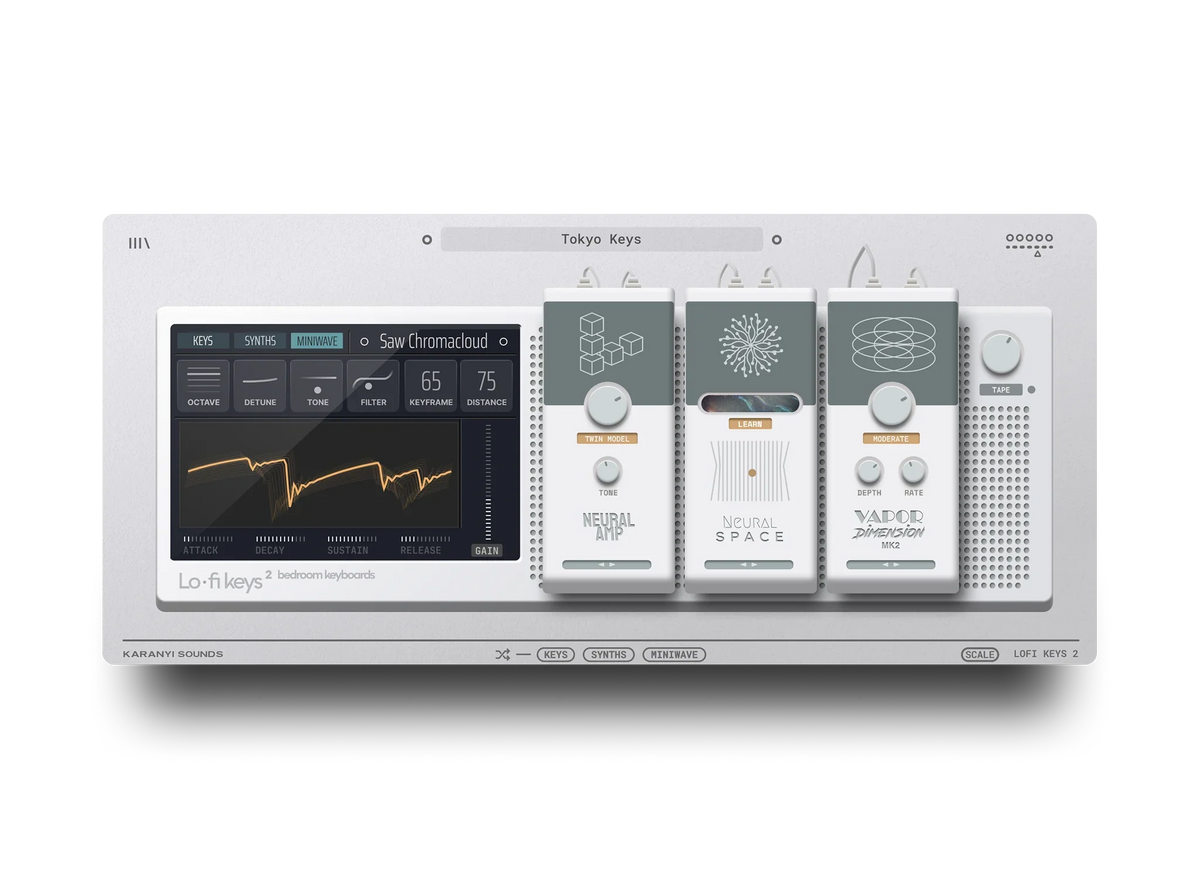
A lofi piano sound comes from four things stacked in order: a soft, slightly muted piano tone, a low-pass filter to cut the highs, light saturation and bit-depth reduction for grit, and a touch of wow and flutter plus tape or vinyl noise for movement. Build it in that order, in any DAW, and you get the warm, dusty piano heard on lofi hip-hop and study-beat tracks without needing genre-specific plugins.
Start with the right piano tone
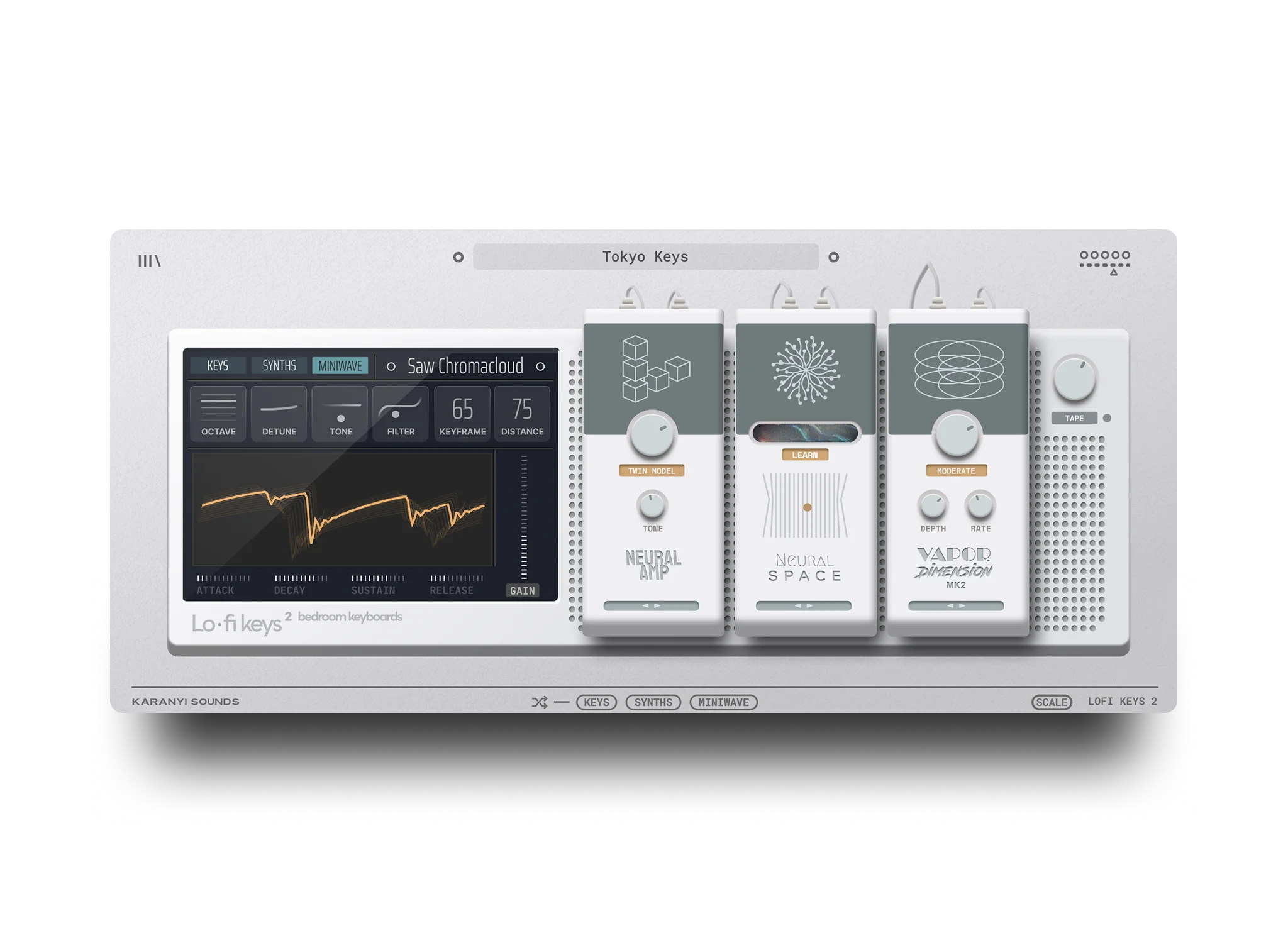
Before any effect goes on, pick or shape a patch with a soft attack (10-20 ms) and a longer release (400-600 ms) so notes bleed into each other slightly instead of cutting off cleanly. A felt, upright or slightly detuned grand patch works better than a bright concert grand, because there is less top end to fight later. If you are starting from an instrument built for this, Lofi Keys 2 ships with presets already tuned toward this softer, warmer character, which saves the first few steps below. For more on why this dusty, imperfect tone works so well in the first place, The Art of Lo-Fi covers the aesthetic side of it.
The signal chain, step by step
- Roll off the highs with a low-pass filter. For a deep, muffled lofi tone, set the cutoff between 2.5 kHz and 3.5 kHz with low resonance (10-15%). For a lighter, still-bright warmth, use 8-10 kHz instead. This one move does more for the "lofi" feel than any other single step.
- Add saturation or tape warmth. Run the filtered signal through a saturation or tape-emulation plugin at a moderate drive, enough to add odd harmonics without obvious clipping. Start around 20-30% drive and pull back if the piano starts to buzz on loud chords.
- Reduce bit depth and sample rate. A bitcrusher set to 12-14 bit at a 22050 Hz (or lower) internal sample rate adds the grainy digital floor lofi piano is known for. Blend it 30-50% with the clean signal using a dry/wet mix or parallel track, rather than committing 100%, so the piano keeps some clarity.
- Add wow and flutter. Wow is the slow pitch drift (an LFO around 0.2-0.4 Hz, sine shape, unsynced) and flutter is the faster wobble (roughly 4-6 Hz). Route a small pitch-modulation depth, around 5-10 cents, through both and you get the unsteady, tape-transport feel without making the piano sound out of tune.
- Layer tape or vinyl noise underneath. Add a continuous noise or crackle sample at -20 to -24 dB below the piano, and high-pass it around 500 Hz so it does not add low-end rumble. Turn off any pitch-tracking on the noise layer. Crackle that shifts pitch with the notes gives the trick away; dust and hiss should sit still no matter what you play.
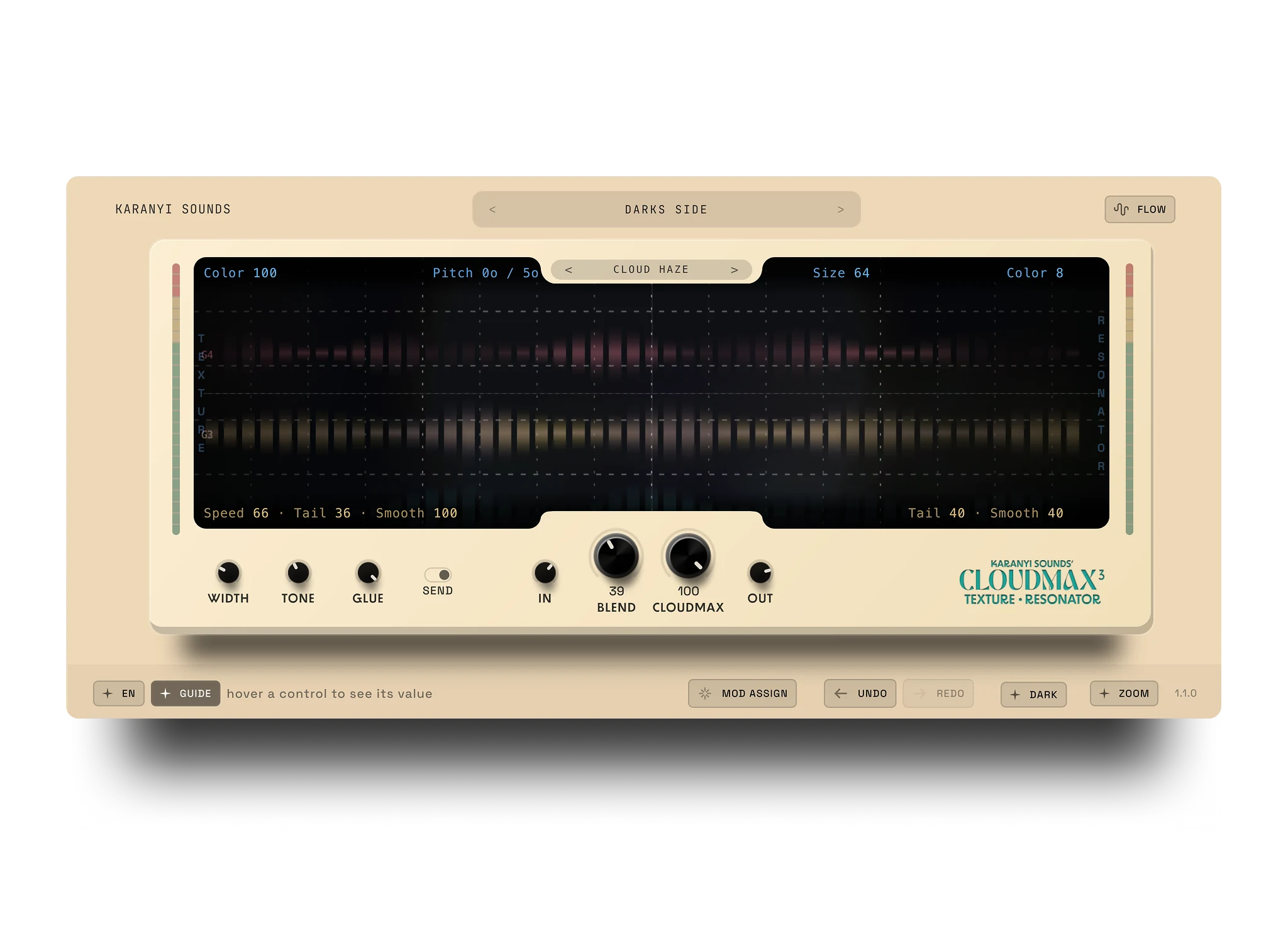
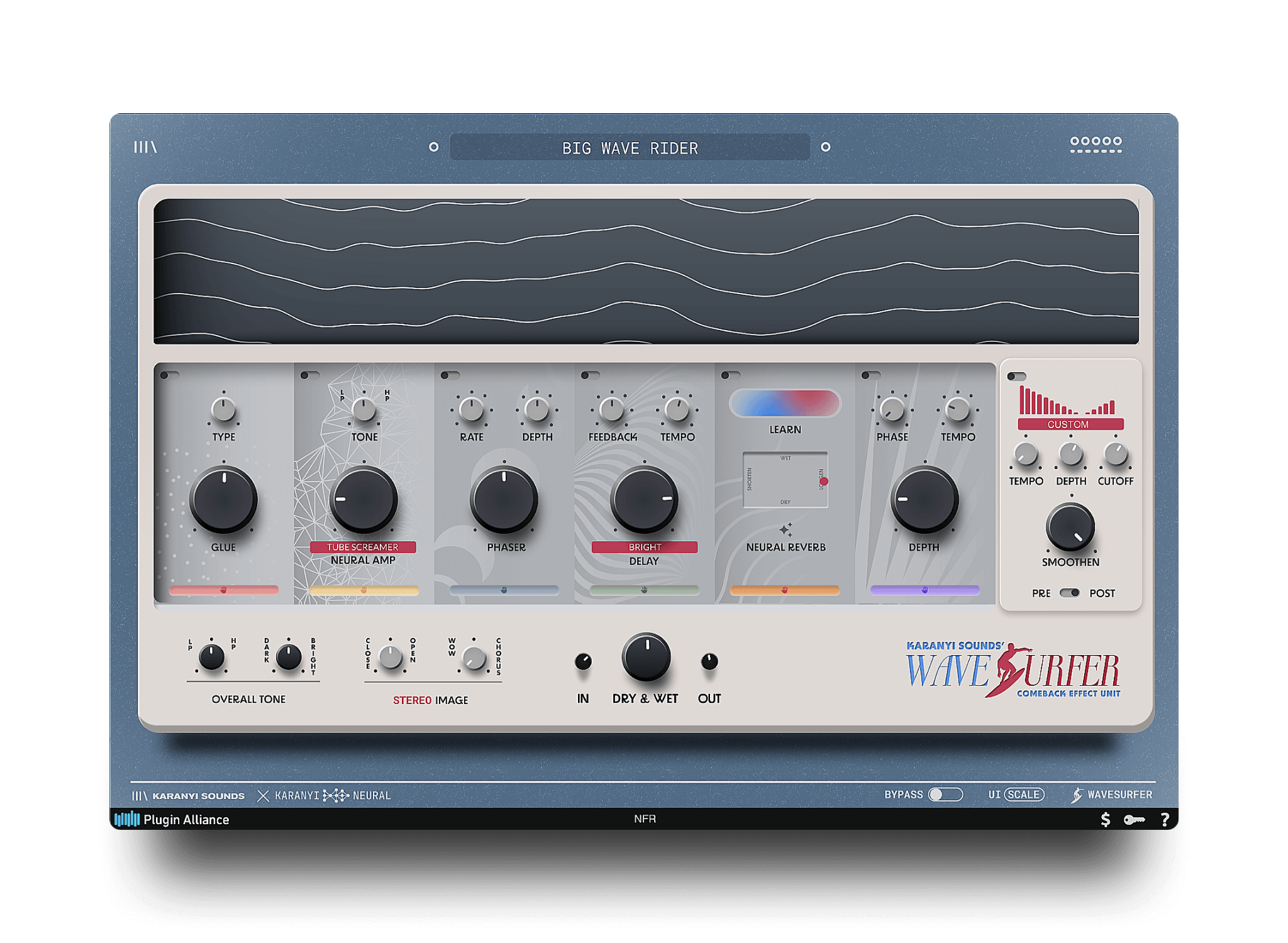
- Finish with short reverb and a tape-style delay. A short room reverb (under 1.5 seconds) plus a slapback or eighth-note delay with the same filter and saturation from steps 1-2 on the return glues the piano into the mix. A granular delay and reverb plugin, such as Cloudmax 3, handles this in one insert and adds a bit of wobble to the repeats for free.
Tune it for the genre
For chill or study-beat lofi at 70-90 BPM, lean on the deeper filter setting (2.5-3.5 kHz) and more visible wow and flutter. For lofi house or jazzy hip-hop at 85-100 BPM, use the lighter filter (8-10 kHz), less bit reduction, and keep the flutter subtle so the piano stays clear enough to carry a melody over a busier drum pattern.
Common mistakes
- Stacking every effect at full strength. A low-pass filter, a bitcrusher, saturation and heavy wow and flutter all maxed out turns the piano to mud. Add one at a time and check against the dry signal before reaching for the next.
- Skipping the noise floor. Filter and bit-crush alone sound processed, not lofi. The tape or vinyl noise layer is what sells the illusion of an old recording.
- Keytracking the crackle. If the noise or dust layer changes pitch with the piano, it stops sounding like room or tape noise and starts sounding like a synth layer. Keep it fixed pitch.
- Filtering after the saturation instead of before. Saturating first and filtering second keeps more harshness in the harmonics the filter is supposed to remove. Filter, then saturate, for the cleanest muffled tone.
- Forgetting the tempo and genre context. A 3 kHz cutoff that sounds perfect on a 75 BPM chill beat can feel too dull under a busier 95 BPM arrangement. Adjust the cutoff to how much else is in the mix.
FAQ
What EQ or filter settings give the classic lofi piano sound?
A low-pass filter with a cutoff between 2.5 kHz and 3.5 kHz and low resonance (10-15%) gives the classic muffled lofi piano tone. For a lighter version that keeps more clarity, move the cutoff up to 8-10 kHz. The exact number depends on how much else is happening in the arrangement around it.
Do I need real tape or vinyl to get a lofi piano sound?
No, a plugin emulation or a well-chosen noise sample does the job. Tape saturation plugins, bitcrushers and vinyl-noise or dust samples recreate the character without owning a cassette deck or turntable. What matters is the order of the chain: filter and saturate first, then add grit and noise.
How much bit depth reduction is too much?
Once a piano drops much below 10-12 bits it usually stops sounding lofi and starts sounding broken. 12-14 bits at a 22050 Hz sample rate, blended 30-50% with the clean signal, is enough grit for most lofi piano parts while keeping the notes intelligible.
What is the difference between wow and flutter?
Wow is a slow pitch drift, typically modeled with an LFO around 0.2-0.4 Hz, and flutter is a faster wobble around 4-6 Hz. Both come from unsteady tape transport or turntable speed. Using a small amount of both together, rather than a lot of one, gives the most natural-sounding instability.
Can I get a lofi piano sound without a dedicated lofi plugin?
Yes, a stock EQ or filter, a saturation plugin, a bitcrusher and a pitch-modulation effect (chorus or vibrato at a slow rate) can build the same chain manually in any DAW. A dedicated instrument like Lofi Keys 2 just gets you there faster, since the tone, filtering and character are already part of the presets.
If you would rather start from presets built around this exact sound instead of stacking six plugins by hand, Lofi Keys 2 is worth a listen.


Leave a comment
This site is protected by hCaptcha and the hCaptcha Privacy Policy and Terms of Service apply.