

To write cinematic tension music, start with a low drone or pedal tone that refuses to resolve, add a dissonant harmony on top (a cluster or a minor second rubbing against the pedal), then bring in a quiet rhythmic pulse that slowly gets louder, denser or faster. The final ingredient is restraint: tension lives in what you hold back, so plan exactly where the cue drops out before you write a single note.
Below is the full process for a 60 to 90 second cue, with settings you can copy, the common mistakes, and the extra steps game cues need so they can loop and react to the player.
What makes music feel tense
Tension is expectation without release. The listener hears something unstable (a dissonance, a pulse that keeps building, a note that never resolves) and waits for it to settle. Your job is to stretch that wait for exactly as long as the scene needs, and no longer.
In practice, almost every tension cue is built from the same 5 layers: a bed (drone or atmosphere), harmony, a pulse, a dynamic arc and silence. You do not need all of them at once. You do need to know which one is doing the work in each section.
Step 1: Spot the scene before you open the DAW
Watch the scene (or play the game level) 2 or 3 times with no music. Write down timecodes for the moments that matter: the first sign that something is wrong, the point of no return, the hit or reveal, and where the dialogue sits. If you are scoring a game, note the states instead: exploring, enemy nearby, combat, escape.
Set your tempo from the picture, not from habit. Slow, creeping scenes often work at 60 to 80 BPM, chases at 120 to 140 BPM. If the cut lands on a reveal at 0:47, adjust the tempo so a bar line lands there too. A hit that lands on the downbeat feels intentional. A hit that lands half a beat late feels like a mistake.
Step 2: Build the bed with a drone or atmosphere
Start with one sustained sound in the low or low-mid register: a dark pad, a bowed texture, a filtered noise bed. Pick a pedal note (D and C are popular because they sit low on strings and synths without getting muddy) and hold it for the whole first section.
- Keep it moving. A static pad sounds like a test tone after 20 seconds. Slow filter movement, a long LFO on volume or pan, or an evolving texture keeps the ear interested while the note stays put.
- Low cut what you do not need. A high-pass around 40 to 60 Hz keeps the drone from fighting the sound effects team's rumble.
- Leave the 1 to 4 kHz range open if there is dialogue. That is where speech intelligibility lives.
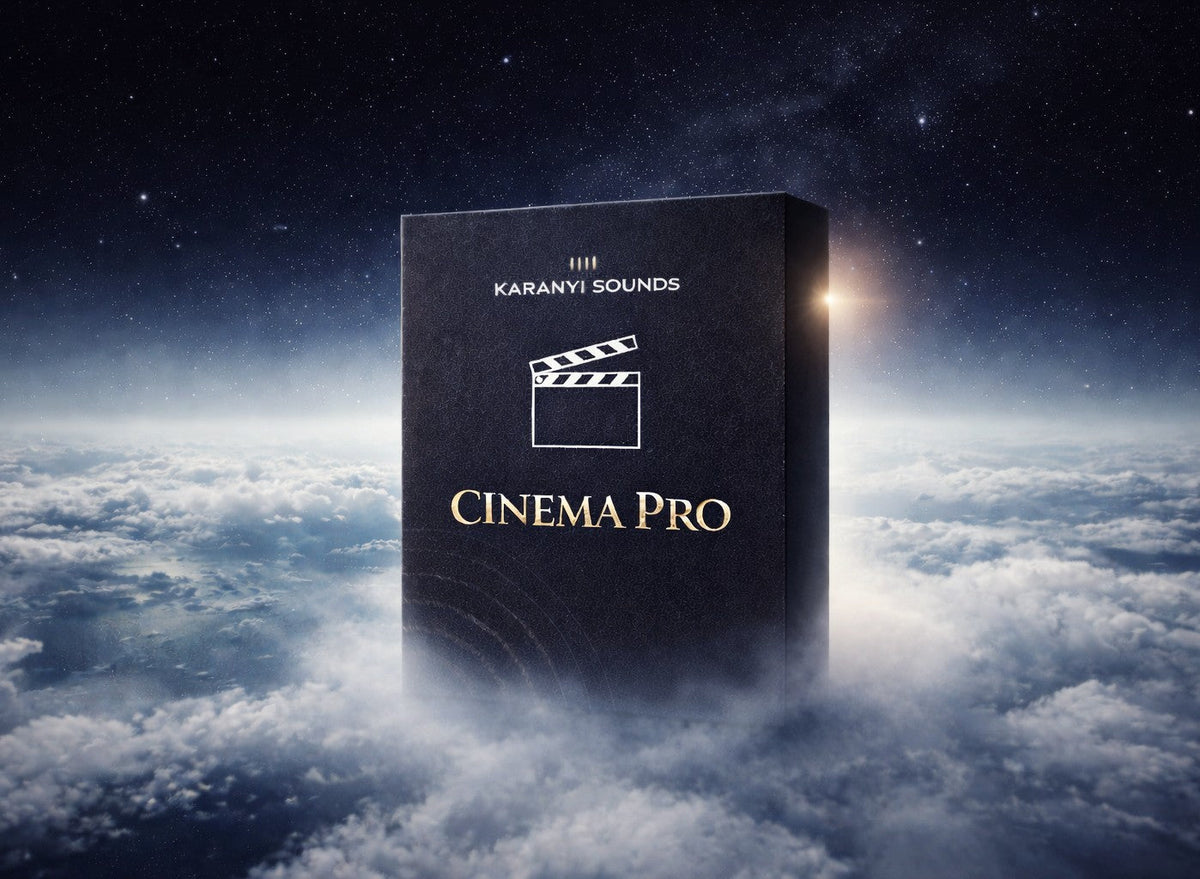
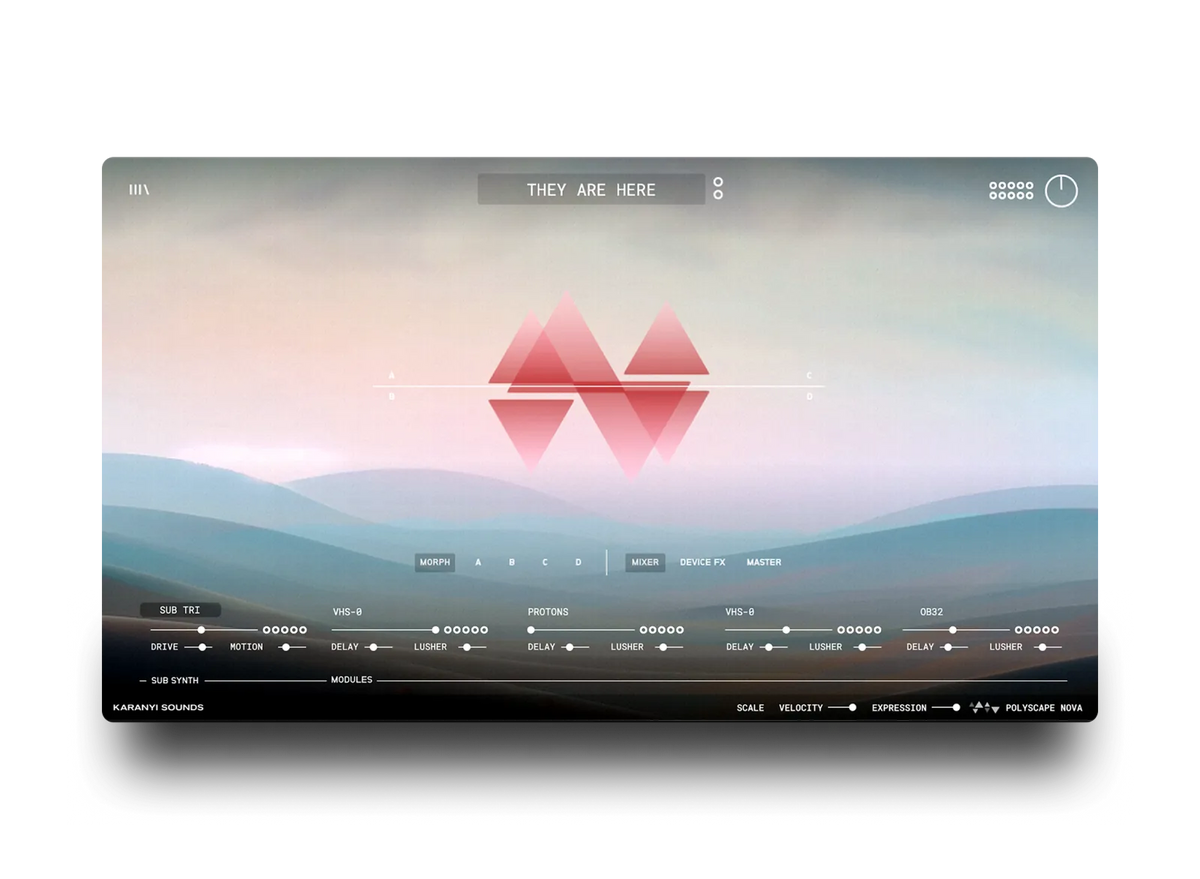
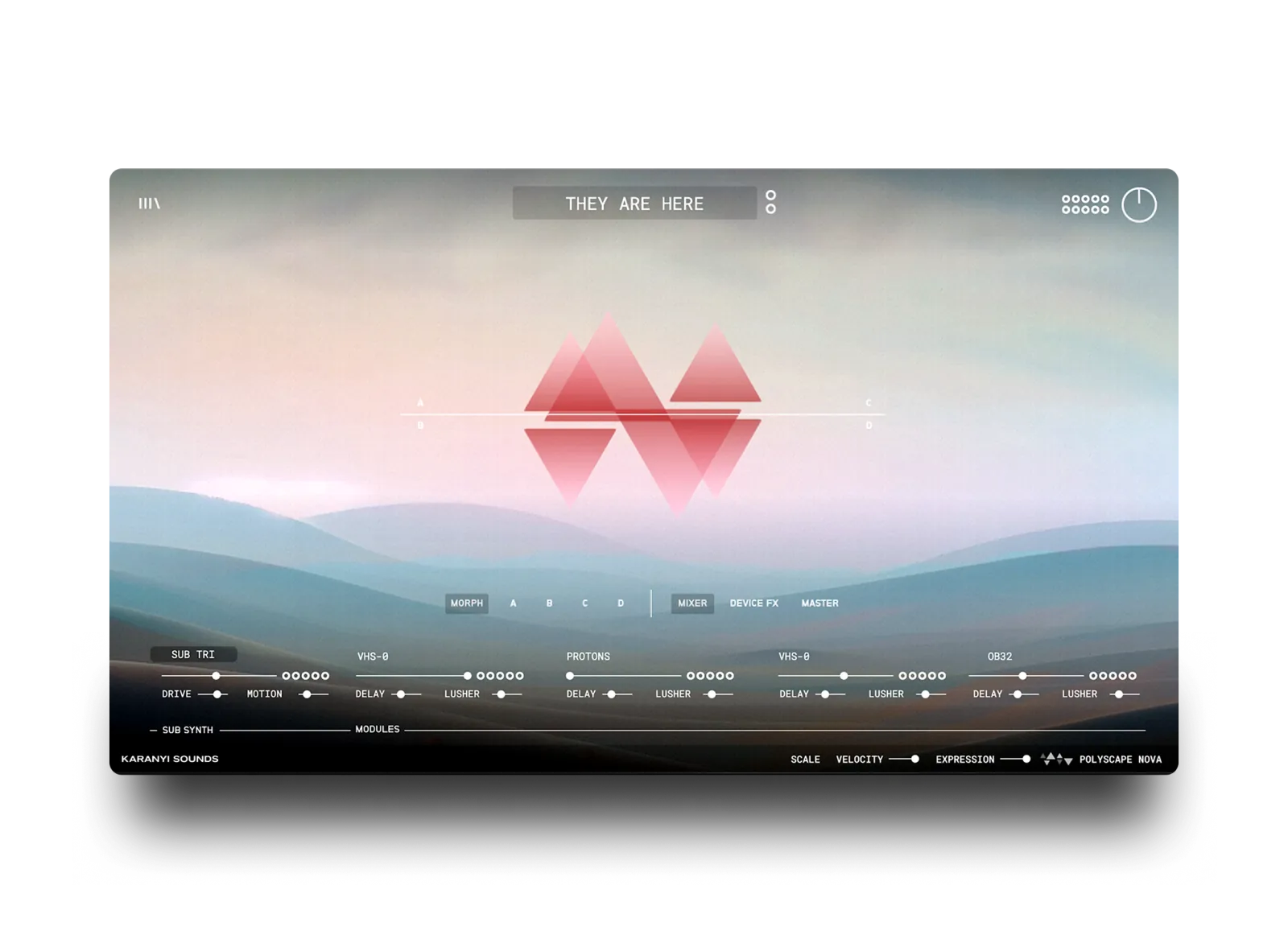
This is where an atmospheric instrument pays for itself. Cinema Pro is a collection of 3 modern instruments built for exactly this layer: dark atmospheres, emotional textures and evocative tones. One of them, Polyscape Nova, fuses string instruments with modern synthesis for evolving soundscapes and dynamic pads, so the bed moves on its own while you hold one note. For more ideas on this layer, see our walkthrough on crafting cinematic ambience.
Step 3: Add harmony that refuses to resolve
Over the pedal, add 1 or 2 notes that create friction. A few reliable options, from mild to nasty:
- Minor chord over its own root, then move only the top note by a half step (for example D minor, with the A slipping to B flat and back). Small moves, big unease.
- A minor second against the pedal: D in the bass, E flat sustained above it. Put it high in the register for a thin, nervous sound, low for something heavier.
- A tone cluster: 3 or 4 neighboring notes stacked together (D, E flat, E, F). Bring each note in one at a time over 4 to 8 bars so the cluster grows instead of arriving all at once.
Step 4: Add a rhythmic pulse
The pulse is the clock. It tells the audience that time is running out even when nothing is happening on screen.
- Start simple: a single repeated note in 8th notes, or a short 2-note ostinato. Muted strings, a plucked synth, a ticking percussive texture or a low pulsing pad all work.
- Build by addition, not by speed. Go from quarter notes to 8th notes to 16th notes over the cue rather than raising the tempo.
- Try a pulse that fights the grid slightly, like a 3-note pattern repeating over a 4/4 bar. It never lines up the same way twice, which keeps the listener off balance.
- Keep the pulse quieter than you think. It should be felt more than heard until the climax.
Step 5: Shape the dynamic arc
A tension cue is one long crescendo with a few deliberate dips. Draw the arc before you add more parts: volume or expression automation on the bed and pulse, a filter that opens over 16 or 32 bars, layers entering every 4 or 8 bars.
Plan 1 or 2 false peaks. Build, almost arrive, then pull back to the bed alone. The audience relaxes for a moment, and the next build hits harder. Add a riser or a reversed swell 1 to 2 bars before the real peak, and keep an impact or a hard cut ready for the moment the scene breaks.
Step 6: Decide where to leave silence
The most effective moment in many tension cues is the beat right before the reveal when the music simply stops. A sudden drop to nothing (or to the bed alone) makes the audience lean in.
- Cut everything 1 beat or 1 bar before the hit, then land the hit on picture.
- Leave space under important lines of dialogue. If a character whispers the key line, the pulse can drop out for those 2 seconds.
Extra steps for game tension cues
Game music cannot follow a fixed timeline, because the player decides when things happen. Build the cue so it can stretch and react:
- Write in layers that loop. Export the bed, the harmony and the pulse as separate stems of the same length (for example 8 or 16 bars), so the audio engine can add or remove them as danger rises.
- Make loop points seamless. Let reverb tails ring past the loop end and crossfade them, or render the tail into the start of the loop.
- Prepare stingers. A short hit for "enemy spotted" and a release for "player escaped" bridge the gaps between states.
Our guide to crafting immersive soundscapes for video games and motion pictures goes deeper into building worlds that react to the player.
Common mistakes
- Starting too big. If the cue opens at full intensity, there is nowhere left to go.
- Too many layers. 3 well-chosen parts beat 12 stacked presets. Mute layers until the cue stops working, then bring the last one back.
- Muddy low end. Drone, pulse and sub hits all fighting below 200 Hz turn a tense cue into a blur. Give each one its own range, or let one of them win.
- Ignoring the mix with dialogue and sound effects. Check the cue at the level it will actually play under the scene, not soloed.
- Huge reverb on everything. A long tail sounds epic alone and washes out under picture. Our article on using big ambient reverb without a muddy mix covers how to keep space without losing clarity.
"Karanyi Sounds plugins seamlessly blend acoustic and synthetic sound palettes, creating organic, natural textures."
Richie Kohan, Trailer Composer (Spiderman, X-Men Apocalypse, John Wick)
Looking for more instruments for this kind of work? We compared options in the best cinematic instrument plugins for film scoring.
FAQ
What key is best for tension music?
No key is tense on its own. Tension comes from what happens over the key: a pedal tone that never moves, dissonant intervals like minor seconds or tritones, and harmony that refuses to resolve. Minor keys are common, but a major chord with a clashing note on top can be just as unsettling.
What tempo should a tension cue be?
Follow the picture. Slow, creeping scenes often sit around 60 to 80 BPM, chases around 120 to 140 BPM. Many cues build intensity by adding faster subdivisions (8th notes, then 16th notes) instead of changing the tempo.
How long should a tension cue be?
As long as the scene needs. For film, the scene sets the length. For games, write loopable sections of 8 or 16 bars that can repeat for minutes, plus short stingers for state changes.
Do I need an orchestral library to write tension music?
No. Many modern tension cues are built from drones, synth pads, hybrid textures and percussion. An orchestral library helps when the cue needs a realistic string or brass line, but atmospheric instruments can carry a whole cue.
How do I make tension music work under dialogue?
Keep the midrange (roughly 1 to 4 kHz) clear, play the pulse quieter than you think, and drop layers under key lines. Always check the cue at its final level against the dialogue, not soloed.
Want dark atmospheres and emotional textures ready for your next cue? Take a look at Cinema Pro.


Leave a comment
This site is protected by hCaptcha and the hCaptcha Privacy Policy and Terms of Service apply.